Design. Path. Produce.
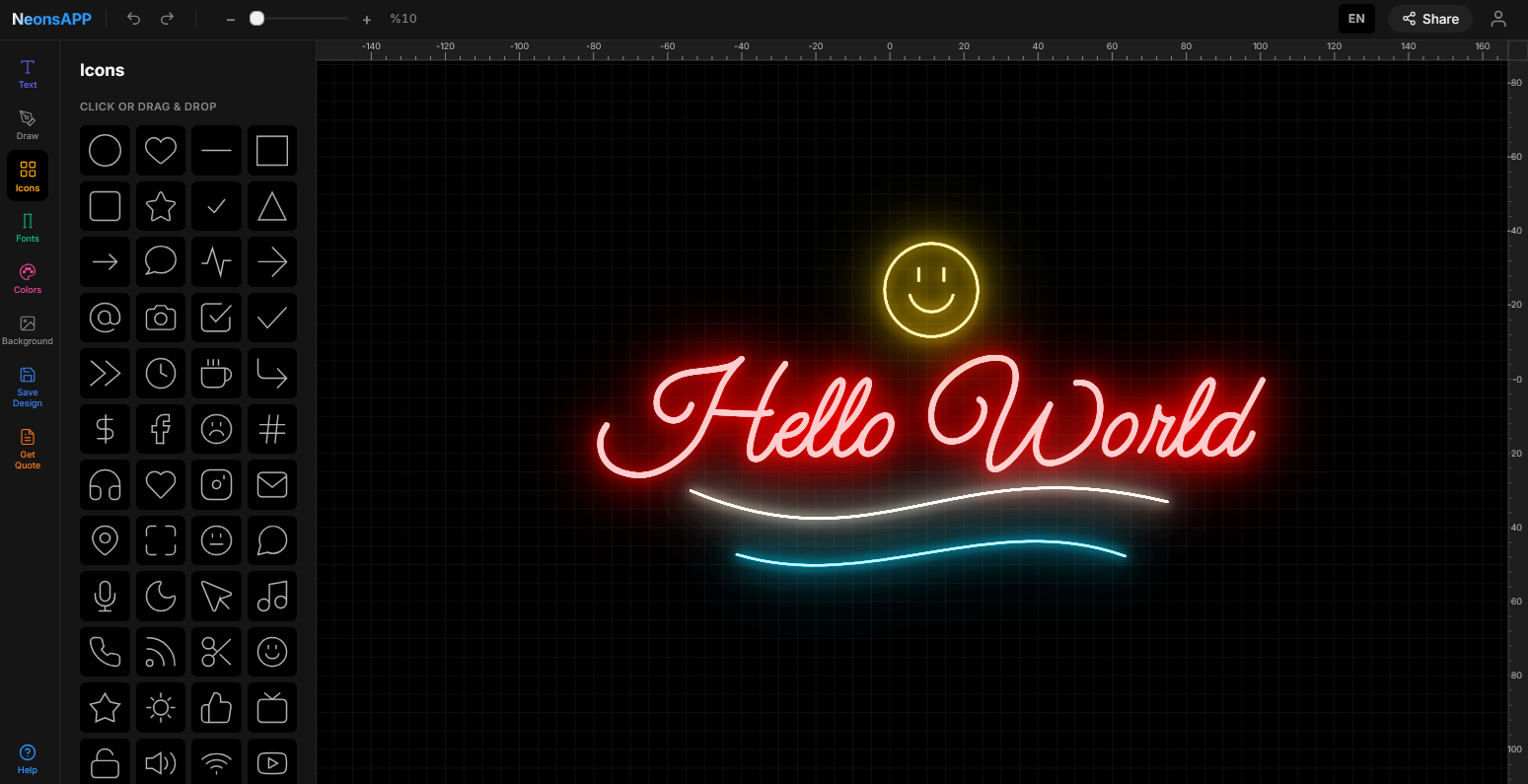
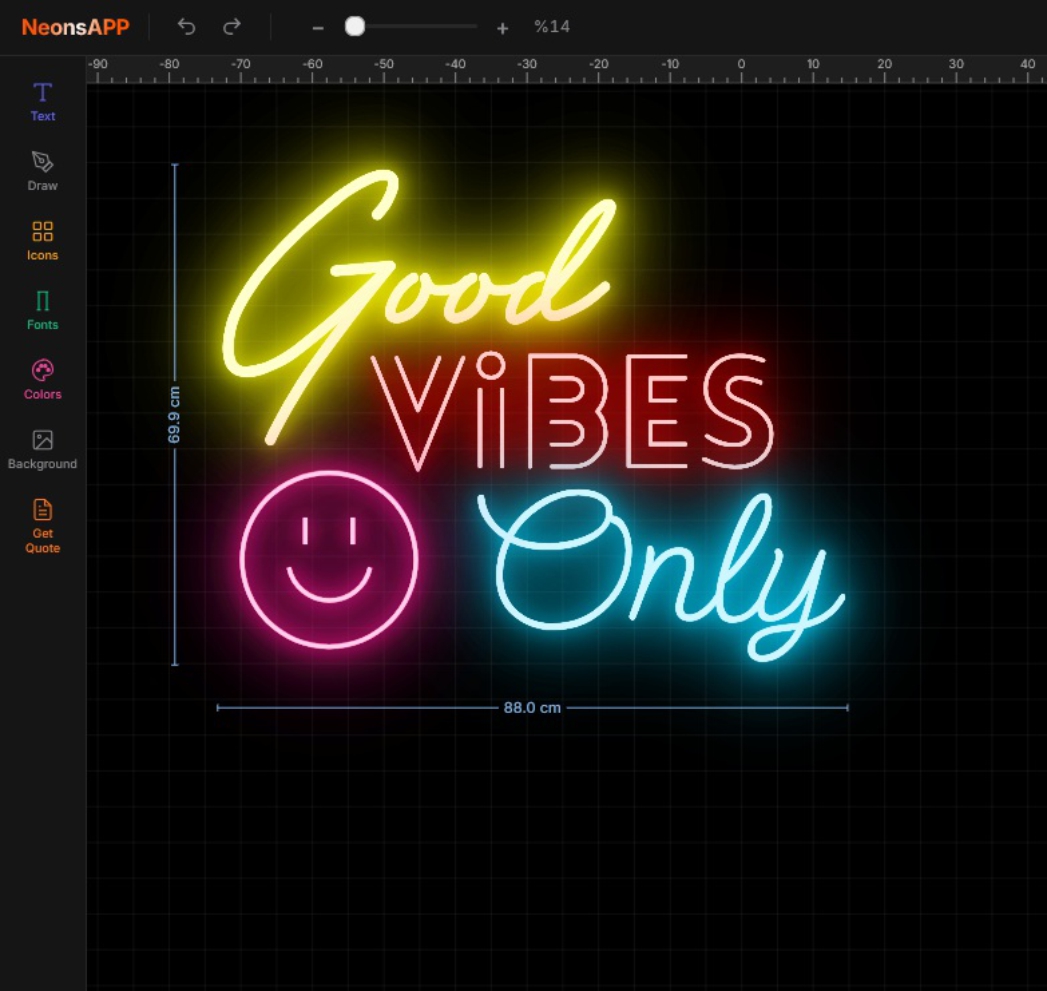
Type text, draw with Bezier curves, add icons, apply transforms — all with real-time neon glow rendering. From text to production-ready single-line paths, entirely in your browser.
This isn't a simple text-to-neon converter. It's a professional vector design tool built specifically for neon sign production.
Draw freeform neon shapes with anchor points, control handles, and smooth curves. Add nodes, delete nodes, close paths — full vector editing like Illustrator, but for neon.
Double-click any object to enter transform mode. Drag corners to rotate, edges to skew, handles to stretch. Every transformation is non-destructive and works with neon glow.
Each font is hand-picked for neon tube bending. Single-stroke paths ensure accurate CNC cut lines. Adjust letter spacing, split words into separate objects, mirror text freely.
Hearts, stars, arrows, social icons, shapes — all optimized for neon tubes. Click to add or drag directly onto canvas. Resize, recolor, rotate independently.
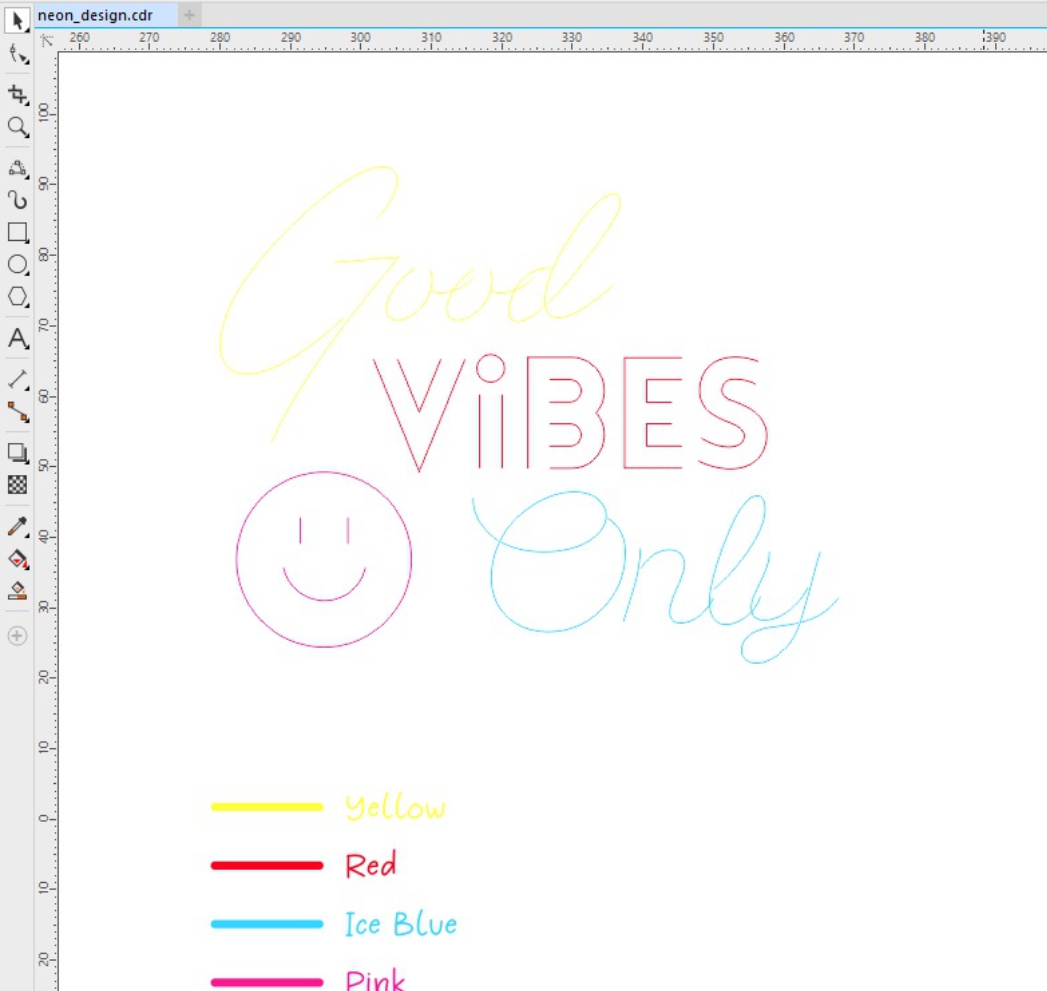
Every font automatically generates single-line center paths — ready for CNC bending machines. No manual tracing, no outline-to-centerline conversion. Type text, get production-ready paths instantly.
Upload any reference image as a canvas background. Trace over it with the Bezier pen tool to recreate customer logos, hand-drawn sketches, or competitor designs as production-ready neon paths.
Sidebar for text, drawing, icons, fonts, colors, backgrounds, save/load and quote requests. Floating property panel for instant editing. All in a dark, distraction-free workspace.
Most neon tools only let you type text. Neon Studio gives you the same transformation controls you'd find in professional design software.
8 handles around every object — corners for proportional scale, edges for independent stretch. Precise centimeter dimensions shown live while dragging.
Switch to rotate mode and drag any corner. Neon glow follows the rotation perfectly. All transforms compound — rotate a skewed, scaled object with no visual loss.
Drag edge handles in rotate mode to apply horizontal or vertical shear. Create italic-style text, perspective effects, and dynamic angles — impossible in other neon tools.
One-click horizontal or vertical mirror. Works with text, icons and drawn paths. Skew values auto-negate on flip so the visual result stays correct.
Double-click any path to enter node mode. Drag individual anchor points and Bezier handles. Insert nodes on curves, delete nodes while preserving shape. Full De Casteljau subdivision.
Fine-tune letter spacing per-object. Right-click to split words into individual text objects for independent positioning. Reassemble any way you want.
Real-time glow rendering
EN, TR, DE, FR, ES, IT, RU, DA, FI
Save & load designs locally
Full history with Ctrl+Z/Y
Open the designer, create your neon sign, and send us the design via WhatsApp for a fast quote. We'll handle production and delivery.